

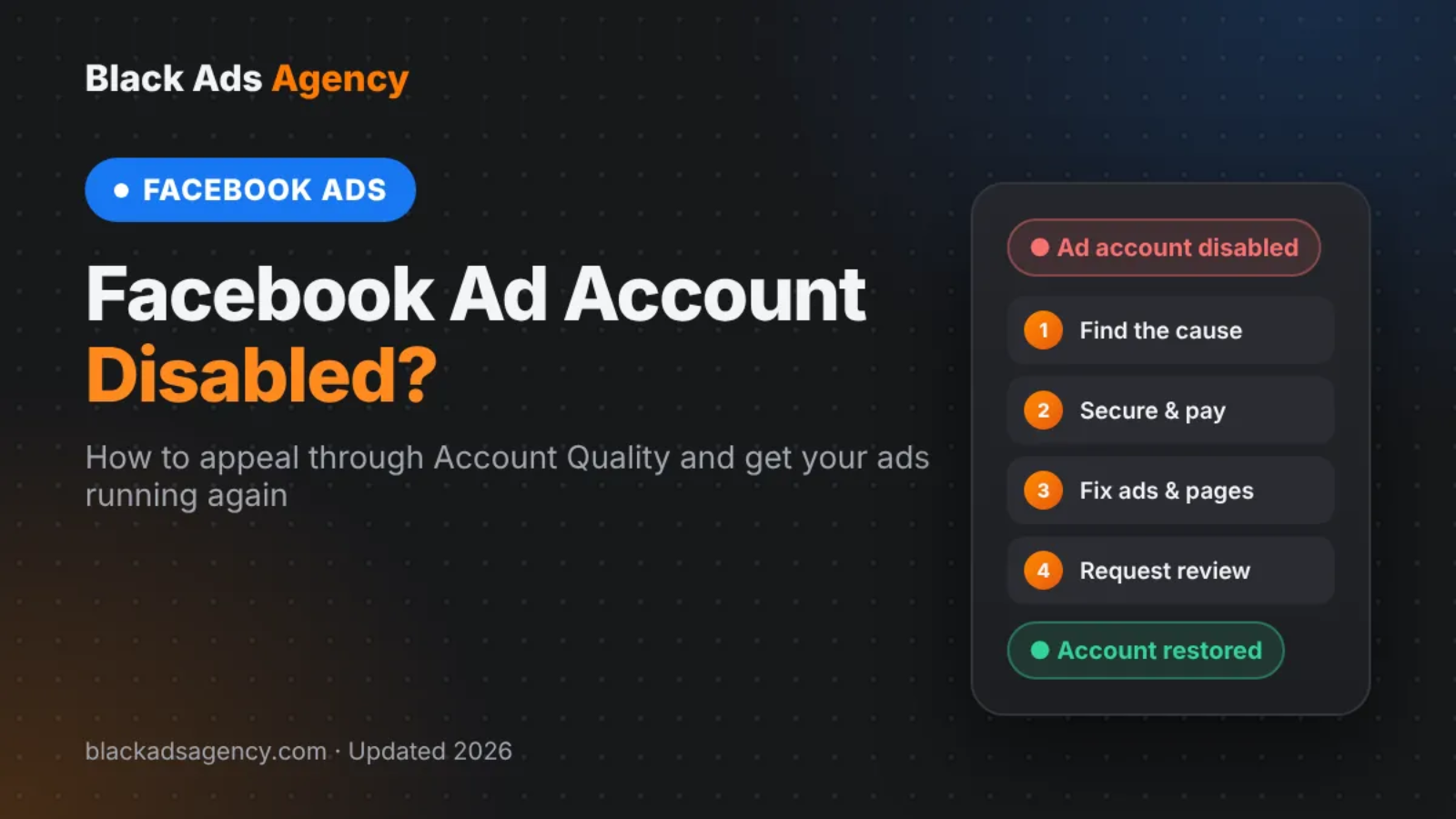
Facebook Ad Account Disabled? How to Appeal and Get It Back in 2026
By IKhlaq, Black Ads Agency · Reviewed by Umar, Founder · Updated 17 October 2026
Key takeaways
- A disabled Facebook ad account can usually be appealed once, from Account Quality in Meta Business Suite.
- Most reviews are decided within 24 hours to a few days; a rejected review is often final for that ad account.
- Fix the cause before you appeal: payment problems, unverified identity, policy violations or suspicious logins.
- Cloaking and other attempts to get around ad review are treated as serious violations and are rarely reversed.
If you open Ads Manager and see “Your ad account has been disabled”, your campaigns stop immediately and you cannot create new ads from that account. The good news: many disabled accounts are restored when the advertiser fixes the underlying issue and submits a clear, honest review request. The bad news: you usually get one real chance, so it pays to understand why Meta acted before you click “Request review”.
This guide explains what a disabled Facebook ad account means, the most common reasons, how to appeal step by step, what to write in the request, and how to keep the account safe afterwards. It is based on Meta’s Advertising Standards and on the account reviews our team handles for advertisers in the United States, United Kingdom, Canada and Australia.
Table of Contents
- What “Facebook Ad Account Disabled” Actually Means
- Why Meta Disables Facebook Ad Accounts
- Is Cloaking Behind Your Disabled Ad Account?
- How to Appeal a Disabled Facebook Ad Account: Step by Step
- What to Write in Your Review Request
- How Long Does a Facebook Ad Account Review Take?
- What to Do If Your Appeal Is Rejected
- How to Keep Your Facebook Ad Account Safe
- Notes for the US, UK, Canada and Australia
- When to Get Professional Help
- Facebook Ad Account Disabled FAQs
- Final Takeaway
What "Facebook Ad Account Disabled" Actually Means
Meta can restrict four different things, and the fix depends on which one was hit. Before you appeal, check which of these the notice refers to:
| What was restricted | What you see | What it affects |
|---|---|---|
| Ad account | “Ad account disabled” in Ads Manager | Only that ad account; other ad accounts in your business may still run |
| Your profile (advertising access) | “You can’t advertise” or “Restricted from advertising” | Every ad account you manage, even ones owned by clients |
| Business portfolio (Business Manager) | “Business account restricted” | All ad accounts, Pages and assets inside the portfolio |
| Facebook Page | Page restricted or unpublished | Ads that run from that Page, even in a healthy ad account |
A disabled ad account is the most common case and the easiest to recover. A restricted profile or business portfolio is more serious, because it usually means Meta has concerns about the person or business behind the ads, not just one campaign.
Why Meta Disables Facebook Ad Accounts
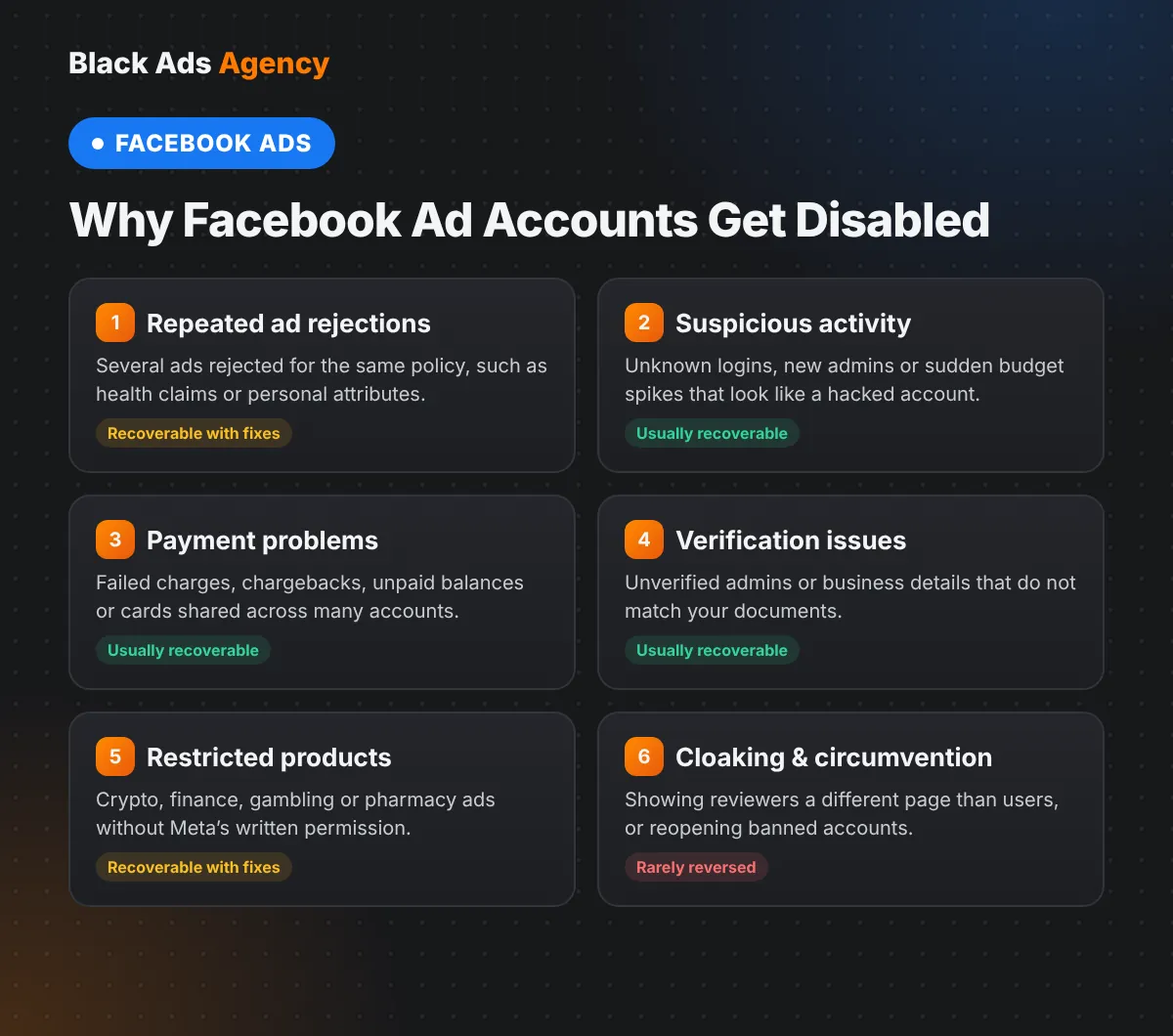
Meta rarely gives a detailed explanation, but almost every disabled account falls into one of these groups:
| Reason | Typical trigger | Can it be appealed? |
|---|---|---|
| Repeated ad rejections | Several ads rejected for the same policy, such as health claims, before-and-after images or personal attributes | Yes, after the ads are fixed or removed |
| Suspicious activity or a hacked login | New device or country, sudden budget spike, unknown admins added | Yes, usually after securing the account |
| Payment problems | Failed charge, chargeback, unpaid balance, card used on many accounts | Yes, once the balance is settled |
| Identity or business verification | Unverified admin, mismatched business details, fake or duplicate profile | Yes, by completing verification |
| Restricted products without authorization | Crypto, financial services, gambling or online pharmacies without Meta’s written permission | Sometimes, with the right licences |
| Circumventing systems (including cloaking) | Showing reviewers one landing page and users another, or reopening accounts after a ban | Rarely; Meta treats this as a serious violation |
Is Cloaking Behind Your Disabled Ad Account?
Many advertisers in restricted niches search for ad cloaking because their ads keep getting rejected. It is important to understand how Meta sees it. Cloaking means showing Meta’s reviewers and crawlers a policy-compliant page while real visitors see something different. Meta’s Advertising Standards prohibit attempts to circumvent ad review, and Google defines cloaking the same way in its Circumventing systems policy.
When an account is disabled for cloaking or other circumvention, appeals succeed only in clear cases of error, for example when a website was hacked and redirects were added without the owner’s knowledge, or when a click tracker caused an unintended redirect. If any part of your setup sends users to different content than the reviewer saw, remove it completely before you request a review, and describe honestly what you changed. Never open a new ad account to keep running the same campaign: Meta links accounts through people, payment methods, domains and devices, and that usually turns one disabled ad account into a restricted profile.
If you work in a restricted niche, the sustainable route is to make the product, ad and landing page eligible for the market you target. That is where most of our Facebook ads approval work starts.
How to Appeal a Disabled Facebook Ad Account: Step by Step
- Open Meta Business Suite and go to Account Quality to see which asset is restricted and the reason Meta gives.
- Secure every admin profile: change passwords, turn on two-factor authentication and remove anyone you do not recognise.
- Settle any outstanding balance and remove payment methods that failed or are shared with other ad accounts.
- Fix or delete every rejected ad, and update the landing pages so they match the ads, show your business details and include a privacy policy.
- Complete any identity or business verification Meta requests, using details that match your legal documents and website.
- Click “Request review”, choose the reason that fits, and write a short, factual explanation of what happened and what you changed.
- Wait for the decision without creating new ad accounts or resubmitting the same request, and check Account Quality and your email for updates.
If your business has Meta Verified for Business or an assigned Meta representative, you can also open a support case, but the review itself is still decided through Account Quality.
What to Write in Your Review Request
Meta’s reviewers see a short form, not a long letter. Keep it to four or five sentences: who you are, what went wrong, what you fixed and how you will prevent it. For example:
“We are [business name], a registered [type of business] selling [product] in the United Kingdom. Our ad account was disabled after three ads were rejected for health claims. We have deleted those ads, rewritten our landing page to remove the claims and added our company details and privacy policy. All admins now use two-factor authentication. We ask Meta to review the account so we can continue advertising within the Advertising Standards.”
Avoid emotional language, threats or claims that you “did nothing wrong” if the account clearly had rejected ads. Specific, verifiable changes are what persuade a reviewer.
How Long Does a Facebook Ad Account Review Take?
Most reviews are decided within 24 hours, but complex cases or accounts that need identity checks can take several days or longer. While the review is pending, the status in Account Quality shows “In review”. If the account is restored, existing campaigns can be switched back on; if the review is rejected, the decision is often marked as final for that ad account.
What to Do If Your Appeal Is Rejected
- Check what was rejected. If only one ad account is disabled and your profile is healthy, you can usually keep advertising from another ad account in the same business portfolio, provided you have fixed the problem that caused the first one.
- Do not create workaround accounts. Running the same ads through a new account is itself a circumvention violation and puts your profile and business at risk.
- Use official support. Meta Verified for Business, a Meta partner or an agency with an account representative can sometimes request a second look when there was a clear mistake.
- Review your business model. If the product is not allowed in your target country, no appeal will fix that. Check the rules for each market before you spend more on ads.
How to Keep Your Facebook Ad Account Safe
| Area | What to check before every launch |
|---|---|
| Ad copy and creative | No personal attributes (“Are you overweight?”), no unrealistic results, no before-and-after images for health products |
| Landing page | Same offer as the ad, real business name and address, contact page, privacy policy and terms |
| Account security | Two-factor authentication on every admin, no shared logins, admins removed when staff leave |
| Payments | One valid card per account, no failed charges, no chargebacks |
| Budget changes | Increase spend gradually on new accounts instead of jumping from $50 to $5,000 a day |
| Restricted categories | Written permission or licences in place before advertising crypto, financial services, gambling or pharmacy products |
Our landing page compliance checklist and our guide to why Facebook ads get rejected cover these checks in more detail.
Notes for the US, UK, Canada and Australia
Meta’s Advertising Standards apply worldwide, but local law adds extra requirements that can lead to rejected ads and, over time, a disabled account:
- United States: health and income claims must be truthful and supported under FTC rules; supplement claims must stay within FDA limits.
- United Kingdom: ads must follow the ASA’s CAP Code, and financial services ads need FCA authorisation.
- Canada: the Competition Act covers misleading claims, and natural health products need Health Canada authorisation.
- Australia: the Australian Consumer Law applies to all claims, and health products must follow the TGA Advertising Code.
When to Get Professional Help
If your account has been disabled more than once, your profile or business portfolio is restricted, or you advertise in a restricted niche, a second pair of eyes can save weeks. Black Ads Agency reviews the ad account, creatives, landing pages and business details, prepares the review request and builds a launch plan that fits each target country. Contact our team for a consultation.
Facebook Ad Account Disabled FAQs
Can a disabled Facebook ad account be restored?
Yes, in many cases. If the cause was a payment problem, a hacked login, missing verification or a few rejected ads, a review request from Account Quality often restores the account once the issue is fixed.
How many times can I appeal a disabled ad account?
Usually once per decision. After a review is rejected, Meta often marks the decision as final for that ad account, so prepare your fixes before you submit.
Why was my new Facebook ad account disabled immediately?
New accounts are often disabled when they are linked to a previously restricted profile, payment method or domain, when spending starts very high, or when the first ads fall into a restricted category.
Does Facebook detect cloaking?
Meta uses automated systems and human review to compare what reviewers and real users see. Cloaking is treated as circumventing systems, and accounts disabled for it are rarely restored.
Should I create a new ad account if mine is disabled?
Not to run the same ads. Creating accounts to get around a restriction violates Meta’s rules and can lead to your profile or whole business portfolio being restricted.
Can an agency recover a disabled Facebook ad account?
An agency cannot override Meta’s decision, but it can find the cause, fix the ads and landing pages, prepare a clear review request and use official support channels where available.
Final Takeaway
A disabled Facebook ad account is not always the end. Find out which asset was restricted, fix the real cause, secure your logins and payments, and send one clear, honest review request. Avoid workarounds such as cloaking or new accounts, because they turn a recoverable problem into a permanent one. If you need help preparing your account for the US, UK, Canadian or Australian market, Black Ads Agency can review it with you.
Last updated: October 2026
Related ad approval services: Facebook ads cloaking agency · Google Ads cloaking agency · TikTok ads cloaking agency · Snapchat ads cloaking agency · Pinterest cloaking agency · YouTube ads approval

About the Author
Black Ads AgencyBlack Ads Agency is a digital advertising agency helping businesses navigate restricted and high-risk advertising categories. The Black Ads Agency team focuses on paid campaign strategy, creative development, landing page optimization, account-recovery support, and helping advertisers understand advertising platform policies.
Our services cover Google, Meta, TikTok, YouTube, Pinterest, and Snapchat advertising, with a focus on clearer campaigns, better landing pages, and reduced avoidable advertising risks.